As a business owner, you probably don't care what your website is built with. You want it to look good, to be found, and to change a line of text without calling anyone. That's why I build in Webflow.
This post is for business owners in the Netherlands who are thinking about a new website. What Webflow means for you, what it costs, and when I'd tell you to pick something else. If you want the basics first, start with What Is Webflow?
You can change it yourself
Most business owners only want to edit three things: texts, photos and the blog. In Webflow you log in, click the text on the page and type. The design stays as it is, so nothing breaks.
Blog posts, projects or vacancies live in the CMS. You fill in a simple form, press publish, and the new page looks like the rest of the site.
No updates, no plugins
A lot of websites slowly fall apart. A plugin stops working after an update, the hosting needs a newer PHP version, a security warning shows up. Someone has to keep an eye on it, and that someone costs money.
With Webflow, there's nothing to update. Webflow runs the hosting, the SSL certificate and the security for you, and serves your site through Cloudflare. Fewer moving parts means fewer things that can break.
It looks like your brand, not a template
Your website is often the first thing people see of you. If it looks like a hundred other sites, you're easy to forget.
Webflow doesn't start from a theme. Every page is designed for your brand, and animation runs on GSAP, the same animation library I use on most of my projects. That's where a site gets its feel, and why people remember it. I wrote more about that in How to Make Your Website Stand Out.

Found on Google
A good-looking site is no use if nobody finds it. Webflow takes care of the technical side of SEO out of the box: page titles and descriptions, a sitemap, redirects, fast hosting and schema markup are all built in. You don't need an SEO plugin.
The platform won't write your content for you. That part is still up to you, or us together. The full story is in Is Webflow Good for SEO?
Dutch and English on one site
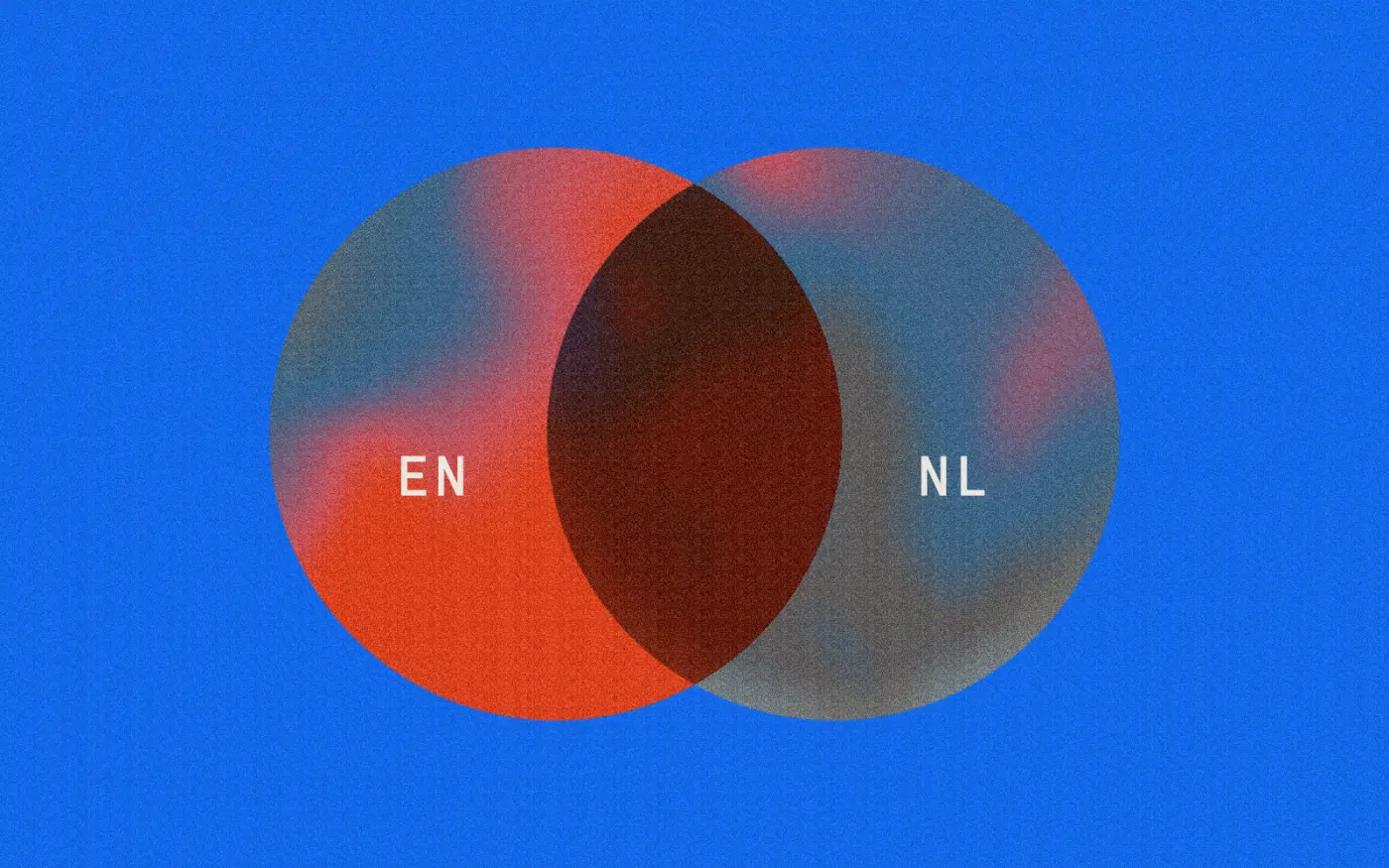
Plenty of Dutch businesses need both languages. Webflow has a translation add-on, Localize, that puts every language on the same site, with its own URLs and SEO settings per language. This site works that way: English, with a Dutch version under /nl.
Localize starts at $9 per language per month, billed yearly, and can translate with AI. I'd still have someone Dutch read every page before it goes live.
What it costs you
There are two costs: the Webflow plan and the build.
- The Webflow plan. Most business sites need the Premium plan, which is $25 a month billed yearly, so about $300 a year. VAT comes on top, and you can add your BTW number in Webflow's billing settings. Prices checked on webflow.com/pricing on 5 November 2026.
- The build. A one-time cost for the design and development. What that is depends on the size of the site.
What you don't pay for is a maintenance contract just to keep the site running.
You can still ask a designer for changes when you want them, but it isn't required to stay online and safe.
How Webflow compares with WordPress on cost over a few years is in Webflow vs WordPress in 2026.
What if we stop working together?
Fair question, and you should ask it of anyone who builds your website.
Your domain stays yours. The site can be transferred to your own Webflow account, with the plan and domain attached, and you can download your CMS content as a CSV at any time. Any other Webflow designer can pick it up from there.
So you're tied to the platform, not to me.
Privacy and the AVG
For a Dutch business this matters, so here it is plainly:
- Webflow offers a data processing agreement (verwerkersovereenkomst), including the EU standard contractual clauses.
- Your site's data is stored in the US. Webflow is certified under the EU-U.S. Data Privacy Framework, which is the legal basis for that under the GDPR. There is no option to keep data in the EU.
- Webflow holds SOC 2 Type II and ISO 27001 certifications, listed on its security page.
- There is no built-in cookie banner. If you use analytics or marketing cookies, you need a consent app or custom code.
For most businesses that's fine. If your sector requires data to stay in the EU, Webflow is not the right platform.
When Webflow is not the right choice
I'd pick something else if:
- You run a Dutch webshop. Webflow Ecommerce doesn't support iDEAL, even with Stripe. Shopify is usually the better choice, or Webflow combined with a separate checkout.
- You need a web app. Customer portals, bookings with complex rules, logins with lots of logic. That's a job for developers, not a website builder.
- You need EU data hosting. See above.
- You want to build it all yourself, in Dutch, for almost nothing. Webflow's interface and help center are English only, and it takes some time to learn. Wix or Squarespace are easier on your own.
FAQ
Is Webflow good for small businesses?
Yes. Most small business sites fit easily in the Premium plan, and not needing maintenance matters even more when you don't have a web team.
Can I move my WordPress site to Webflow?
Yes. Pages are rebuilt in Webflow, blog posts can be imported into the CMS, and old URLs get 301 redirects so you keep your Google rankings. I explain the steps in Website Migration to Webflow.
Do I need a Webflow account?
To edit your site, yes, a free one. When a designer builds the site in their Workspace, you get a client seat to edit your content at no extra cost.
Want to know if Webflow fits your business?
That's a question I'm happy to answer, honestly, even if the answer is no. See how I work or get in touch.
Branding
Brilliance
Sign up for your monthly dose of Branding Brilliance. Keep your brand sharp, your site smarter, and your strategy one step ahead.


Transform Your Online Presence!
Explore insightful articles in which I share my expert insights on Branding, UI/UX Design, and Online Marketing.